Follow orders and requests
Review orders and account activity without searching through old emails. Find the services linked to your account and keep the details close at hand.
 Locally Owned and Operated, right here in
Keep your services, invoices and support together in one handy app. Nexus is now available for iPhone, iPad and Android.


Already a customer? Use your GippsHost login, or sign in through your browser.
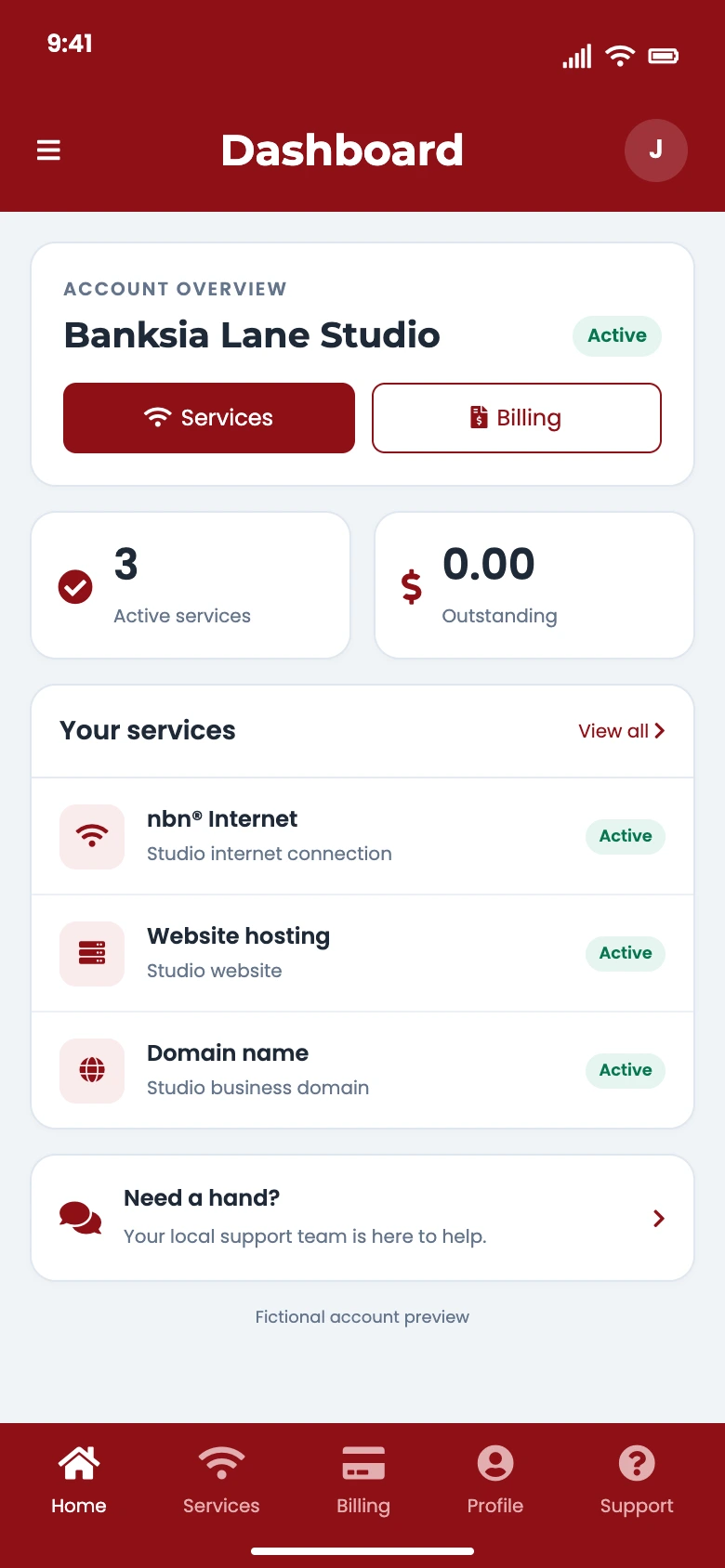
View your services and keep track of orders and account details.
Check invoices, balances and payment history whenever you need them.
Send support requests, follow replies and turn on notifications for useful updates.
One app, one local team
Nexus brings the everyday details of your GippsHost account together, whether you look after your own services or a business account.
Review orders and account activity without searching through old emails. Find the services linked to your account and keep the details close at hand.
Manage your profile and authorised contacts, and request account or service changes when your needs change.
Turn on optional notifications for support replies, invoices and account or service updates. Manage notification permissions through your device settings.
Stay signed in on your device and protect access with supported device authentication, such as Face ID, Touch ID, a fingerprint or your device passcode.
Available features depend on the services linked to your account and your device. The phone image shows a fictional account for illustration.
Ready when you are
Use the same GippsHost account you already use in your browser.
Choose the App Store for iPhone or iPad, or Google Play for Android, using the download links above.
Enter your GippsHost login details and complete any security checks. Contact our team if you need help getting access.
Review your services, choose whether to allow notifications, and set up supported device authentication for the app lock.
Yes. Nexus is free to download from the App Store and Google Play. Your GippsHost services keep their usual terms and charges, and your mobile provider’s data charges may apply.
Yes. Nexus is for GippsHost customers. Sign in with your existing GippsHost account. If you have services with us but do not have login details, contact our team for help.
Yes. You can sign in to Nexus in your browser on a computer, tablet or phone. Use whichever is most convenient for you.
Nexus is available for iPhone and iPad through the App Store, and Android through Google Play. Check your device’s store listing for compatibility and the latest requirements.
No. Notifications are optional. You can use Nexus without them and change your notification permissions in your device settings later.
Send a support request through Nexus, or contact GippsHost if you cannot sign in. You are dealing with the same local team in Morwell.
Our privacy policy explains how GippsHost handles personal information. The App Store and Google Play listings also include app privacy and data safety information.
Download Nexus using the links above, or open your account in your browser.